

Amazon Main Image Requirements: A Checklist
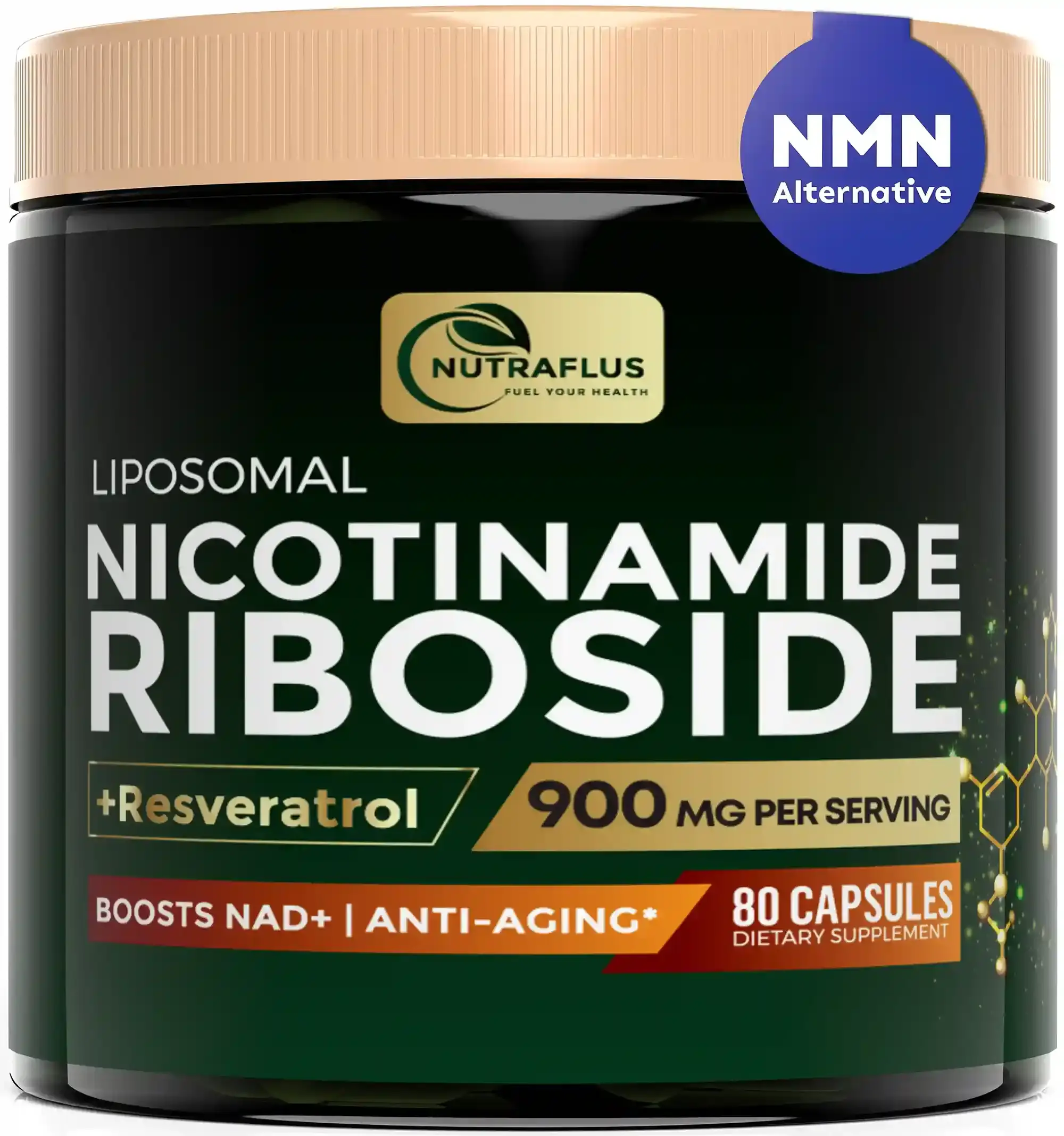
The main image is the one shoppers see in search results, so it does two jobs at once: it has to follow Amazon’s rules, and it has to earn the click. Here is a short checklist you can use before you upload.
The rules that get listings suppressed
- Pure white background. The background must be pure white (RGB 255, 255, 255). Off-white or light grey is a common reason for a suppressed listing.
- The product fills the frame. Amazon asks for the product to take up about 85% of the image. Small products floating in a large white square look weak in search results too.
- The whole product is visible. Do not crop parts of the product out of the frame.
- No extras. No text, logos, badges, watermarks, borders or inset images, and no props that are not included in the purchase.
- Large enough to zoom. The longest side should be at least 1,000 pixels for zoom to switch on. We deliver at 2,000 pixels or more so the image stays sharp on any screen.
- Standard file formats. JPEG is the usual choice; PNG and TIFF are also accepted.
Some categories, such as clothing, have extra rules, so always check the style guide for your category in Seller Central.
What makes a main image win the click
Following the rules only keeps the listing live. To stand out you still need a clear angle that shows the most recognisable side of the product, clean lighting that separates it from the white background, and packaging or included accessories shown only when they are part of what the customer receives.
Why 3D rendering helps
A rendered main image starts on a true white background, so there is no cut-out edge, grey halo or colour cast to fix. The product can be scaled to fill the frame exactly, reflections can be controlled on glossy bottles and metal, and every colour variation is produced from the same camera angle so your variations line up neatly.
When the rules change or you update the label, the image is re-rendered instead of re-shot.
Secondary images are where you explain
Common main image mistakes
- A shadow that turns the background grey. A soft contact shadow under the product is fine; a large drop shadow that tints the white is not.
- Showing the product smaller than it could be. Tall, thin products are the usual victims. Rotate or angle the product so it fills more of the square.
- Including accessories that are not in the box. If the buyer does not receive it, it should not be in the main image.
- Low resolution. An image under 1,000 pixels cannot be zoomed, and listings without zoom convert worse.
- Using a lifestyle photo as the main image. It belongs in the secondary slots.
Quick answers
Can the main image show packaging? Only if the packaging is part of what makes the product, such as a gift box. Otherwise show the product itself.
Can the main image be a 3D render? Yes. Amazon requires the image to represent the product accurately; it does not require a photograph. A good render is often cleaner than a photo because the white is exact and the edges are sharp.
What about multipacks? Show the number of units the customer receives. A 3-pack should show three items.
How do we check an image before uploading? Open it in an image editor and sample the corners with the colour picker. Each one should read 255, 255, 255.
Everything you are not allowed to put in the main image belongs in the other slots: benefit infographics, dimensions, comparison charts, lifestyle scenes and what is in the box. You can see complete examples on the Amazon listing images page and in the case studies.